August 4, 2026
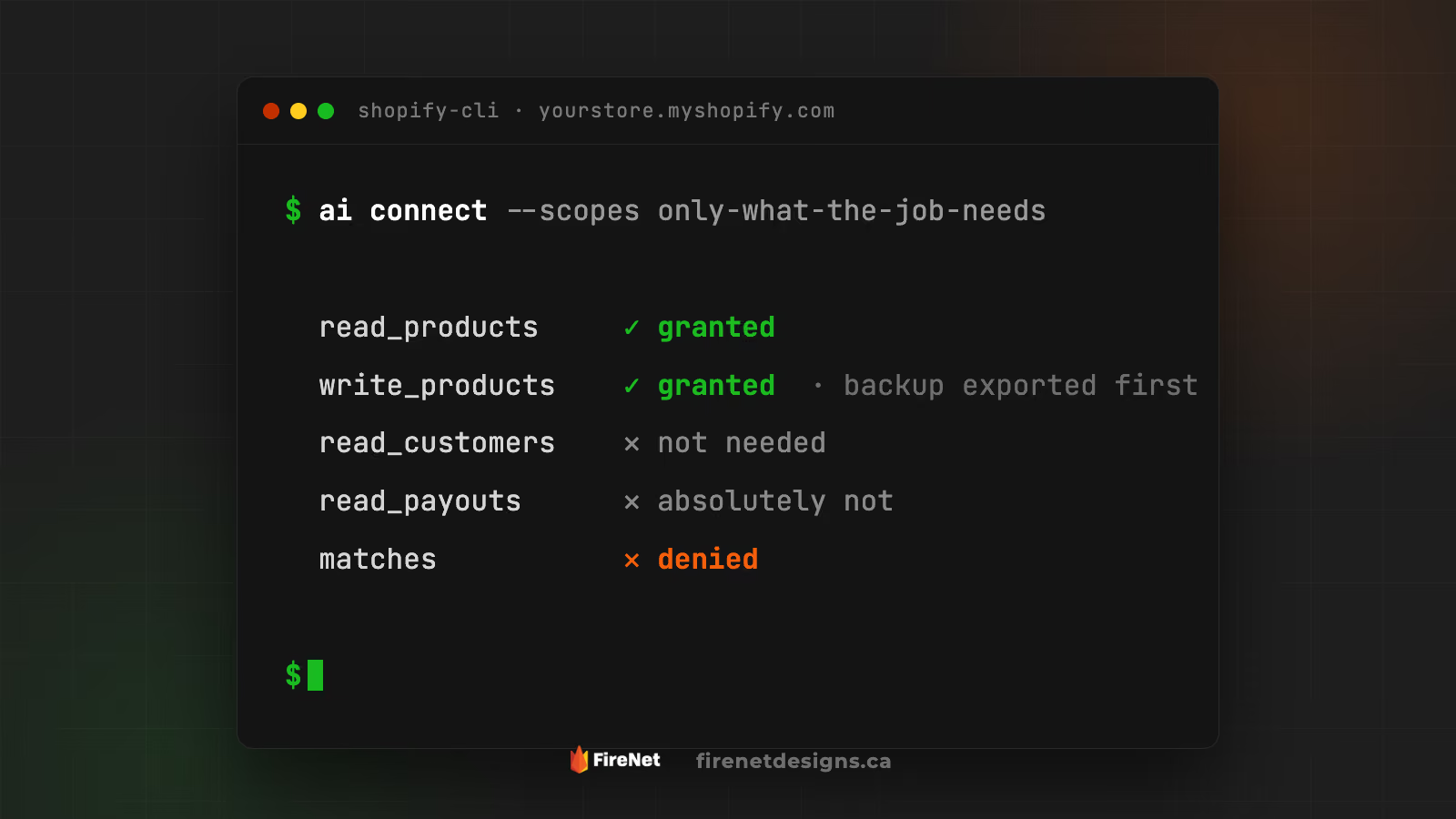
A few months back we wrote about Shopify's AI Toolkit and said the quiet part out loud: before you let AI touch your store, make sure someone knows where the fire extinguisher is.
That post was about caution.
This one is the setup guide.
Because "be careful" is not a system.
Keys, backups, and boundaries are a system.
Here is the exact way to hand AI real access to a real store without handing it the matches. 🔥
Obvious, but specific: you need owner-level access to it.
If an agency or an old developer holds the keys, get that sorted first.
You cannot control access you do not own.
Shopify's official command line tool.
This is the front door that AI tools like Claude, Cursor, and Codex use to talk to your store.
It matters because it forces the conversation we are about to have: when you connect it, you choose exactly what it is allowed to see and do.
The backup app.
It exports your products, collections, customers, and metafields into spreadsheets you keep.
Think of it as the undo button Shopify never gave you.
When you connect the CLI or create app credentials, Shopify asks which permissions to grant.
These are called scopes.
Every scope is a door in your store.
So build AI a small scoped space: only the doors the job actually needs, and not one more.
Reading products cannot break products.
So when a job can be done read-only, do it read-only.
But not all reads are equal.
Customer lists, order history, payouts, and banking details are your business walking out the door.
An alt-text job does not need to see your payouts.
If a read scope makes you wince, that is the answer.
Grant as little write access as you possibly can to do the job.
Updating product descriptions? Write access to products. Nothing else.
Not themes.
Not orders.
Not customers.
One job. One scope. ⚠️
This is the part everyone skips and everyone regrets.
The rule is simple: whatever the job writes to, export it first.
✅ Updating products? Matrixify export of every product first
✅ Touching collections? Export the collections and their rules
✅ Metafields in play? Export those too
✅ Editing the theme? Duplicate it in admin before a single line changes
The export takes minutes.
The rebuild takes weeks.
Choose minutes. 🧯
Access is not a subscription.
When the product update ships, revoke the write scope.
If AI is not actively working in your store, it should not be holding keys to it.
Small access in. Keys back on the hook after.
Scope small.
Back up first.
Run the job.
Verify what changed.
Revoke what is no longer needed.
That is it. That is the difference between merchants who get leverage from AI and merchants who get a rebuild quote.
Not because we are scared of it.
Because we have seen what happens when nobody sets the boundaries.
We scope the access, take the backups, run the work, and hand back a store that is better than we found it.
We would still rather help you prevent the fire than charge you to rebuild after it.

FireNet Designs is a verified Shopify Partner, featured in the official Partner Directory. Since 2022, we’ve delivered lightning-fast Shopify design, development, SEO, app builds, and more: 4x faster, at half the cost. No fluff, no middlemen, just results. The Anti-Agency for brands that want growth, not delays.

Get expert eyes on your storefront
© FireNet Designs Inc.


